How it works
From sign-up to your phone ringing, step by step
A real Irish business number and a phone app for your mobile and computer, set up with you. Add an AI receptionist that answers when you can’t, whenever you’re ready.
Six steps to a working phone system
Your setup page in the dashboard walks you through these and ticks each one off as it’s done.
- 1
Choose a plan
Sign up and pick the €25 business line, or a plan with an AI receptionist from €79.99. Pay by card. You can add done-for-you setup for €49.99 once.
You · 2 minutes
- 2
Tell us about your business
Your business name, the address for your line, and whether you want a new Irish number or to keep the one you have.
You · 3 minutes
- 3
We set up your number and line
We order your number, or arrange to move or divert your existing one, and create your phone line. Your setup page shows each step as it happens.
Us · we keep you posted
- 4
Set up the app
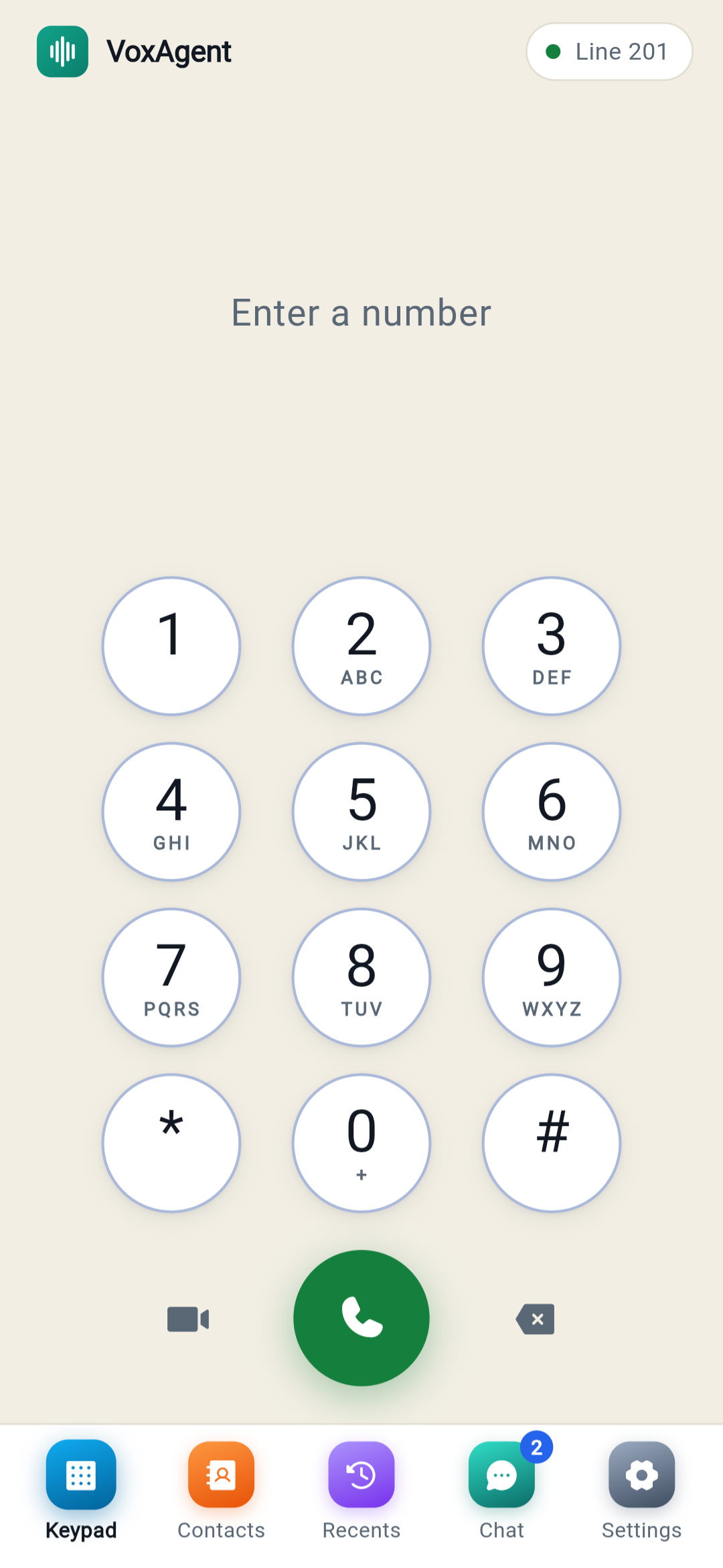
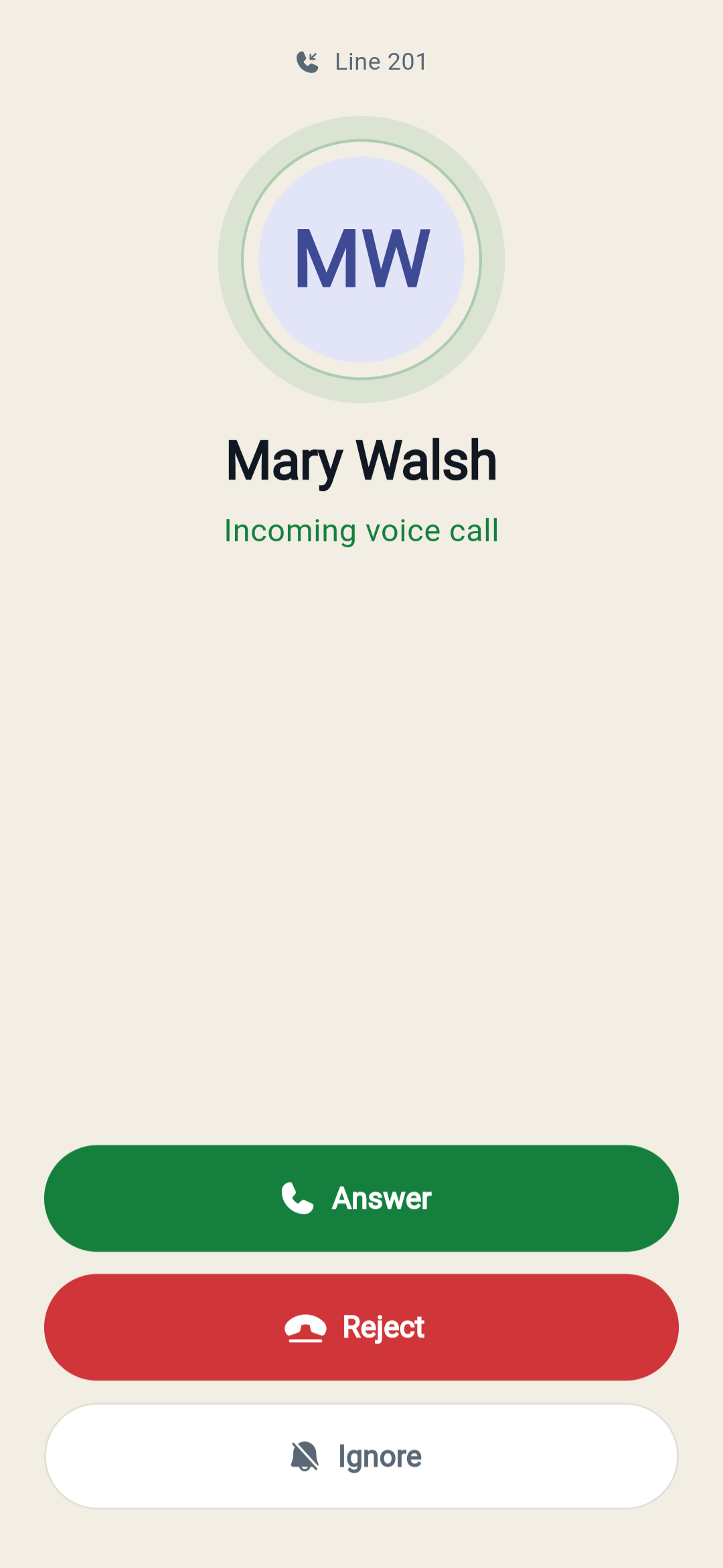
Press “Set up this phone” on your setup page and scan the code with your phone. The VoxAgent app opens and signs itself in. Dial 600 for a quick sound check.
You · 1 minute
- 5
Choose how calls are answered
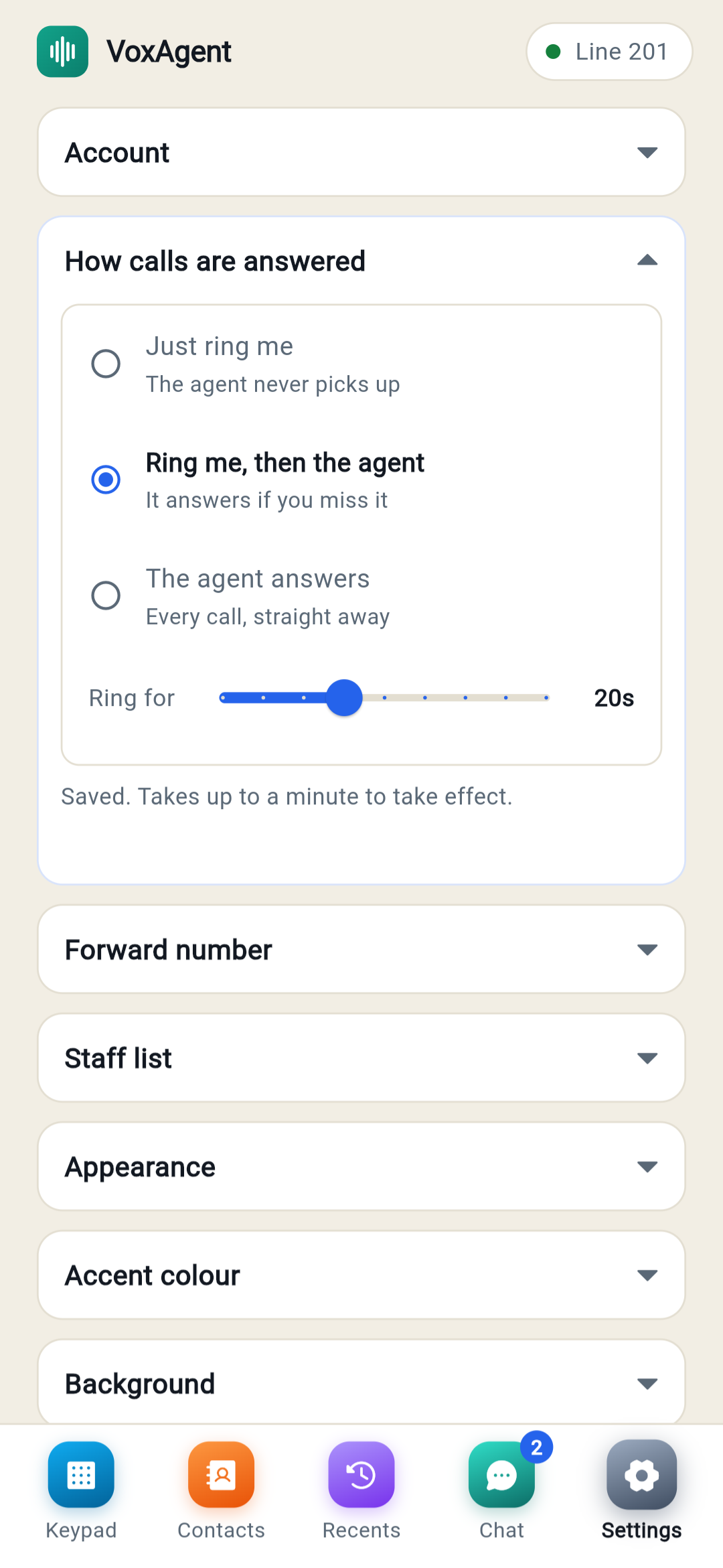
In the app’s Settings: “Ring me, then the agent”, “The agent answers” every call, or “Just ring me”. You set the ring time, from 5 to 45 seconds.
You · any time
- 6
Add your AI receptionist
Tell it about your business, services and opening hours, pick an Irish voice, and connect your diary. On the €25 line, switch plan whenever you are ready.
You, or we do it with you
You decide who answers
- Ring me, then the agent. Your phone rings for as long as you choose. If you’re busy, your AI receptionist picks up, takes the details or books the appointment.
- The agent answers. Callers hear a few seconds of ringing, then your receptionist answers every call, day or night.
- Just ring me. A normal business line. This is how the €25 line works.
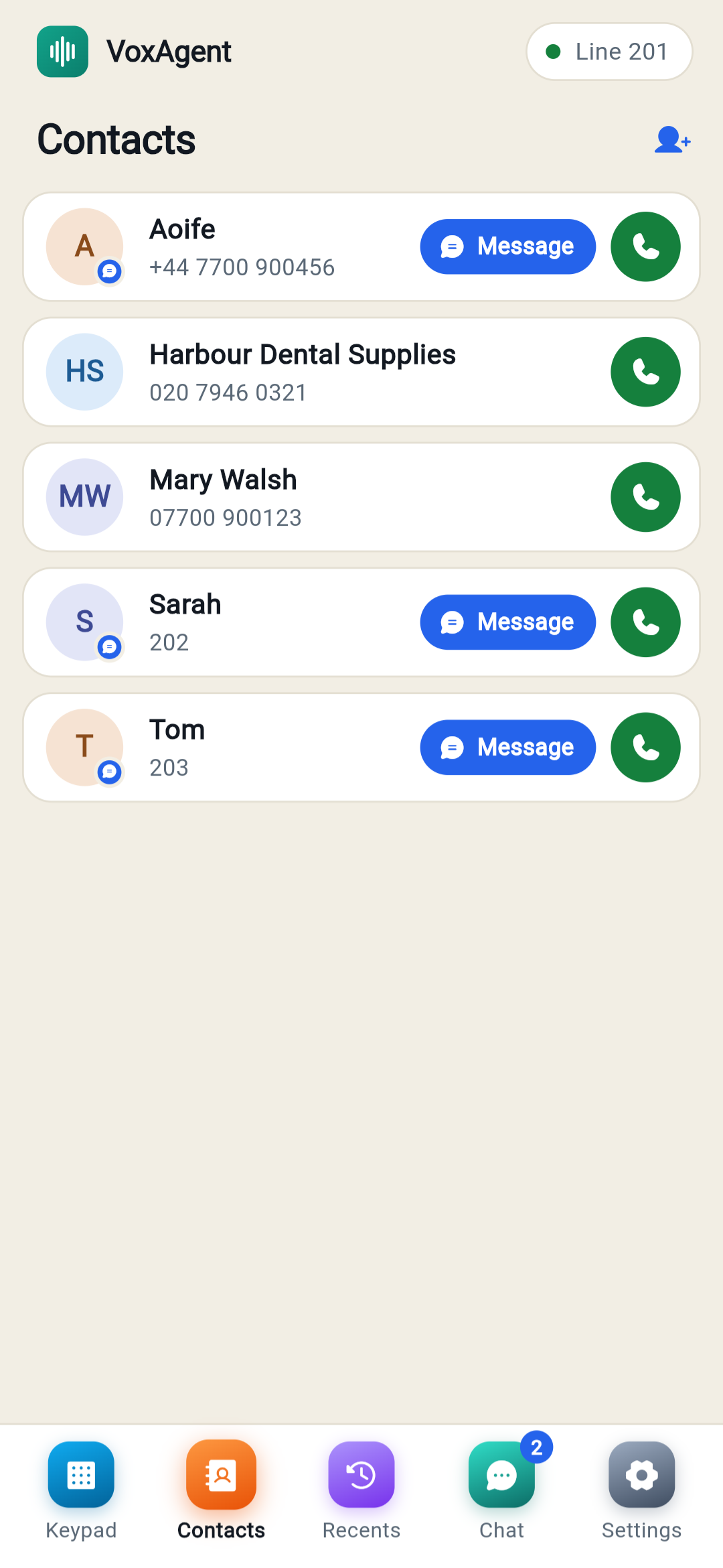
Your business number shows when you call from the app, so clients never see your personal mobile. Colleagues who share their mobile number are recognised in your contacts, the way WhatsApp does it.
Built for a team, not just one phone
Extensions for your team
Everyone gets their own line and extension, like 201 or 202. Dial a colleague’s extension to ring them, even if the app on their Android phone is closed.
Room phones
A reception desk or treatment room can have its own extension without a number of its own. Your AI receptionist can put callers straight through to it.
Conference calls
Dial any number from 8000 to 8999 to open a conference room for up to 10 people. During a call, one tap brings the caller into it.
Team chat
One-to-one and group chat between your team, with WhatsApp-style delete and clear. Colleagues show as available, on a call or away.
Video rooms
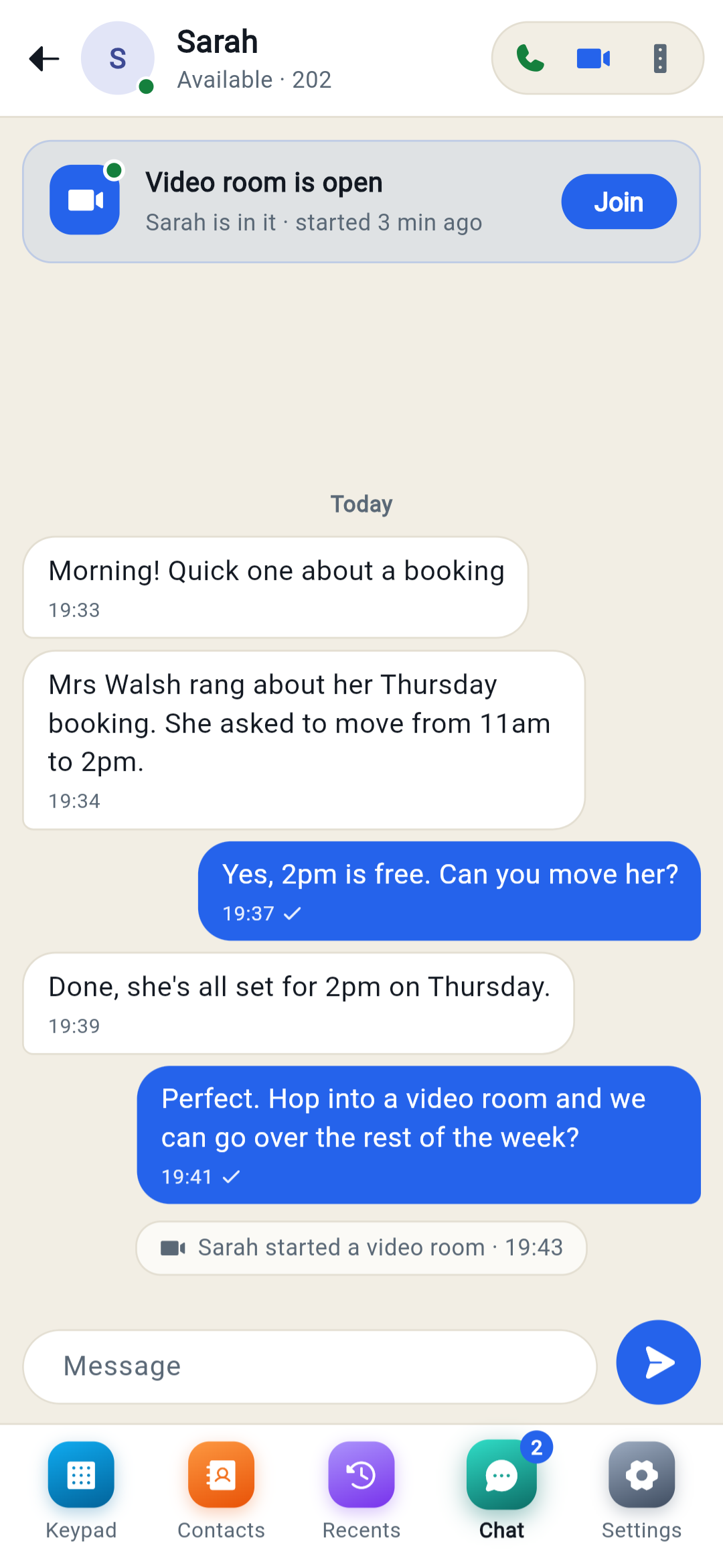
Every chat has its own video room. The chat shows when a room is open and who is in it, so you can join with one tap.
Works on
- Android: the VoxAgent app, which rings even when it’s closed
- Windows: the desktop app, which rings while it’s open
- iPhone and any computer: the web phone in your browser, which rings while it’s open
At your desk, too
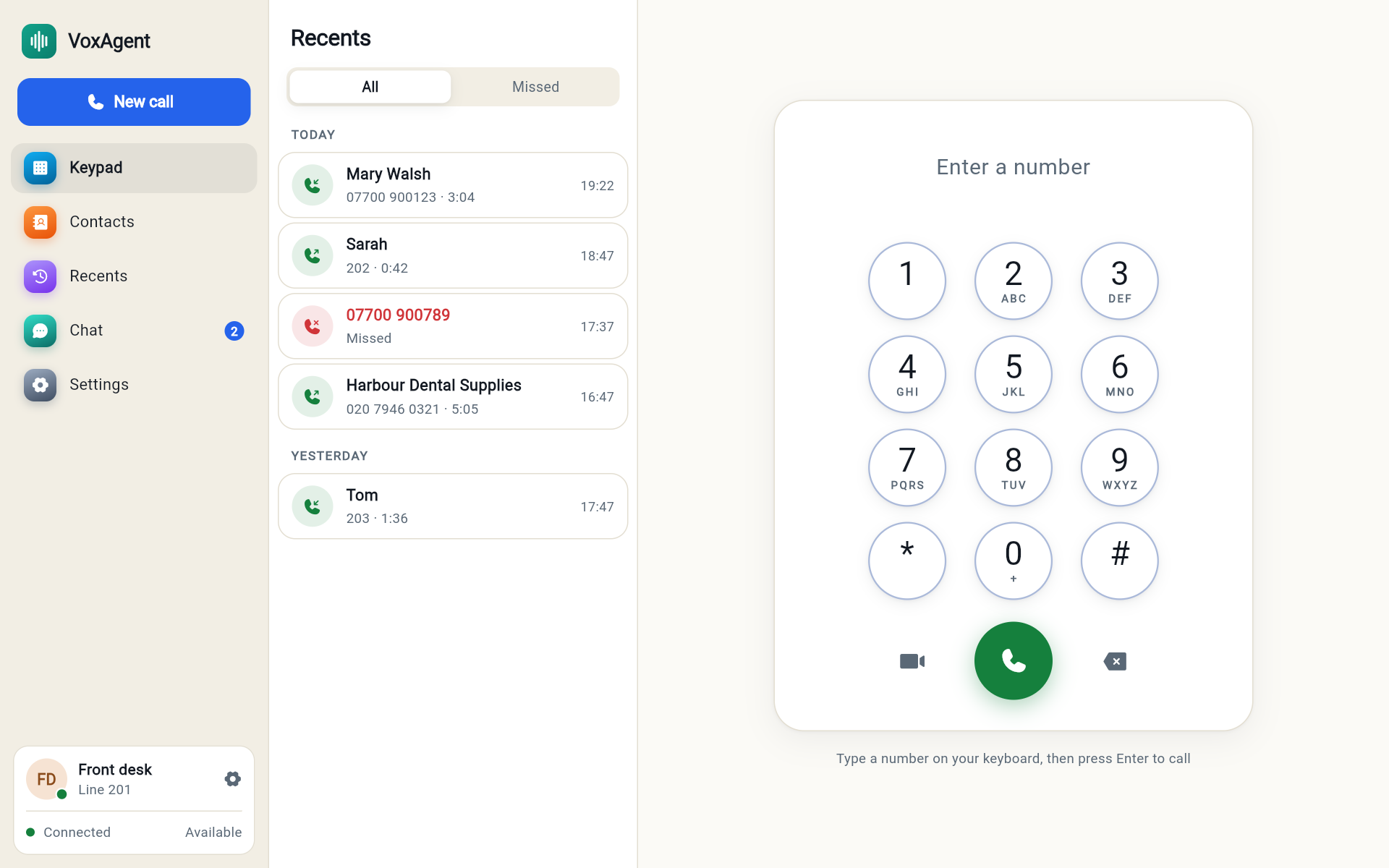
The Windows app puts your calls, contacts, recent calls and team chat on your computer. Type a number and press Enter to call. On a Mac, use the web phone in your browser.
Already on the €25 line?
In your dashboard, go to Settings and press Switch to this plan on the plan you want. You only pay the difference for the rest of the month. Your line keeps ringing as normal until you create your receptionist; from then on, calls you miss go to it. We can do the whole switch for you if you’d rather.
Good to know before you start
- Emergency calls
- The VoxAgent app does not connect 999 or 112 calls. Dialling them plays a message telling you to use another phone. Always keep a mobile or landline for emergencies.
- iPhone
- There is no App Store app yet. On an iPhone, use the web phone in your browser; it rings while it is open.
- Voicemail
- There is no voicemail. On “Just ring me”, a call nobody answers ends with a busy tone. To take messages, let your AI receptionist answer.
- Where you can call
- Calls from the app go to Irish and UK numbers. Premium-rate numbers are blocked, to protect you if a phone is lost.
Ready when you are
Ring our demo line on 071 933 6114 to hear the AI receptionist, or get started now and we’ll set you up.